Screenshots
The PredomicsApp web interface provides a comprehensive, interactive environment for running and exploring analyses.
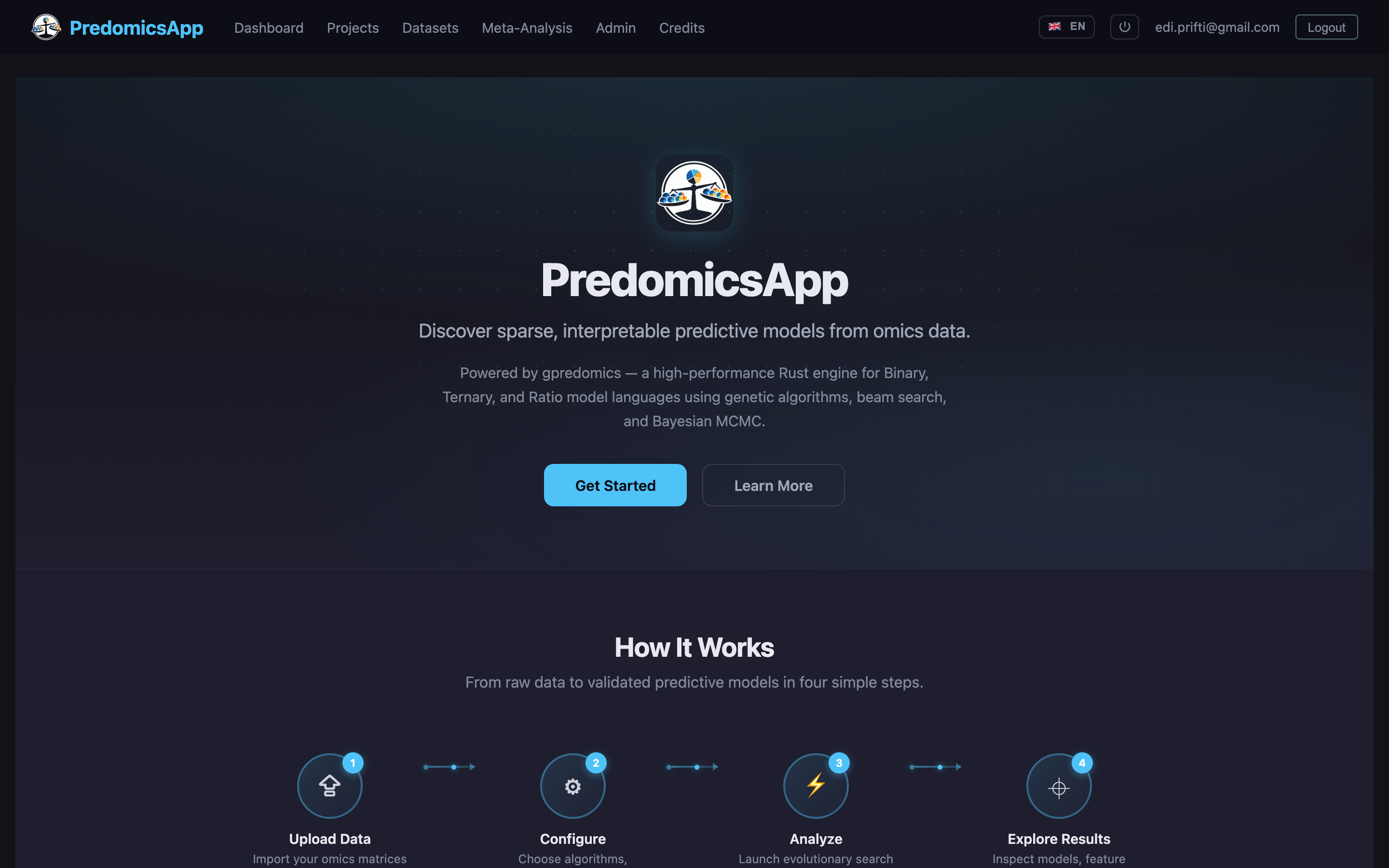
Landing Page
Modern landing page with feature overview, quick-start code snippets, and links to documentation and GitHub repositories.
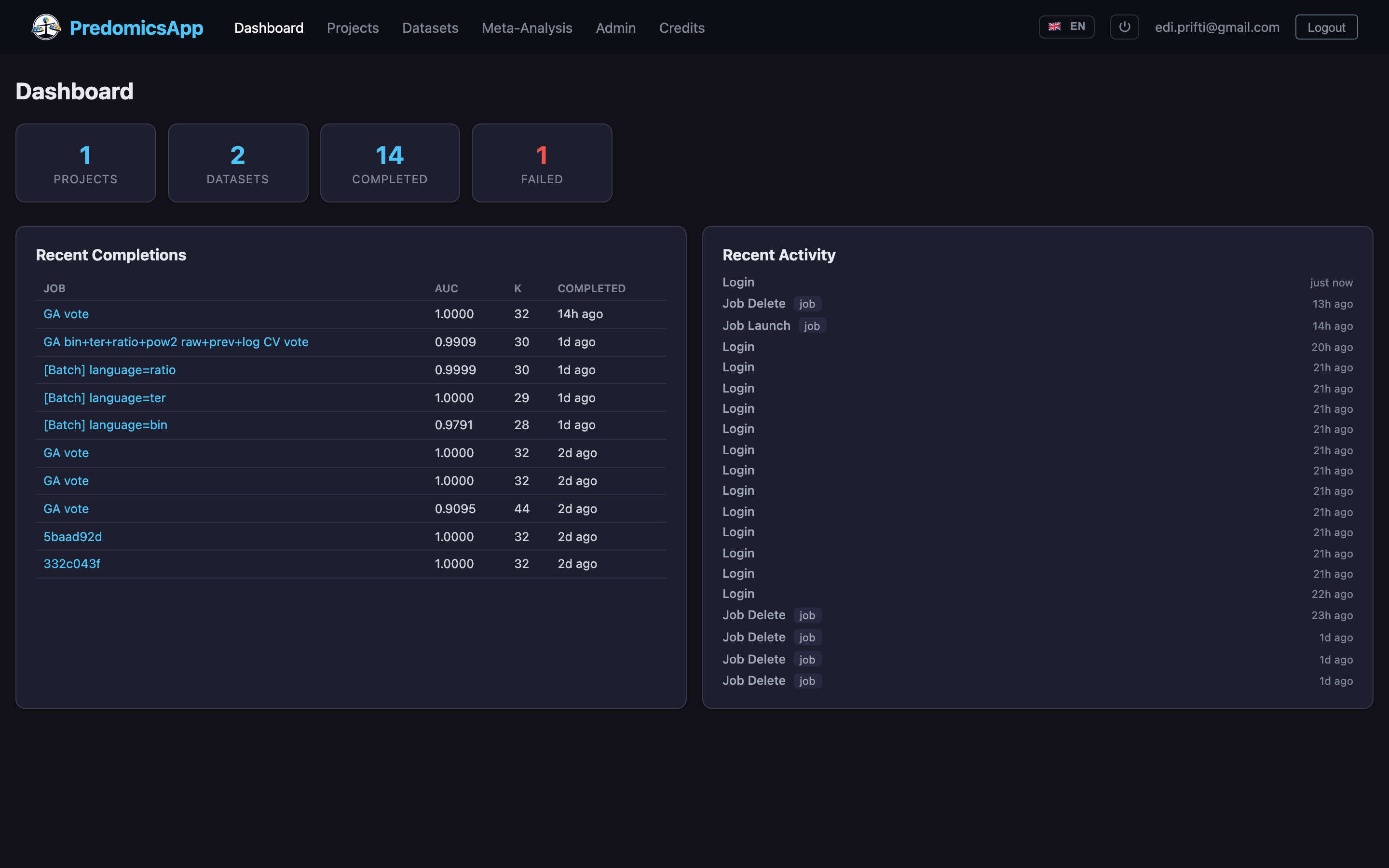
Dashboard
Overview of recent projects, quick statistics, and shortcuts to common actions.
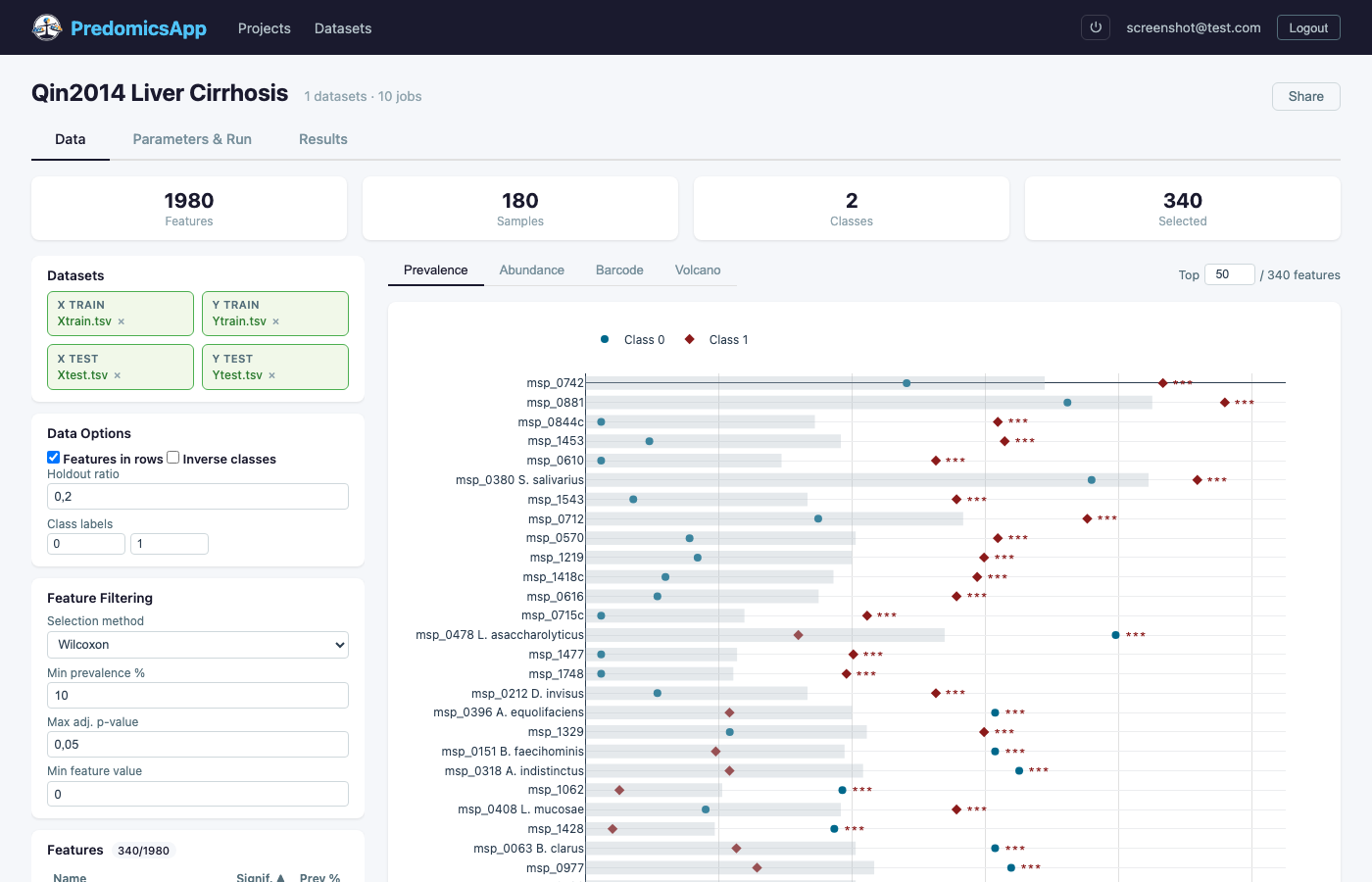
Data Explorer
Upload omics matrices and explore feature statistics with prevalence plots, volcano plots, and barcode visualizations. Filter features by statistical tests (Wilcoxon, t-test, Bayesian Fisher) with configurable thresholds.
Parameter Configuration
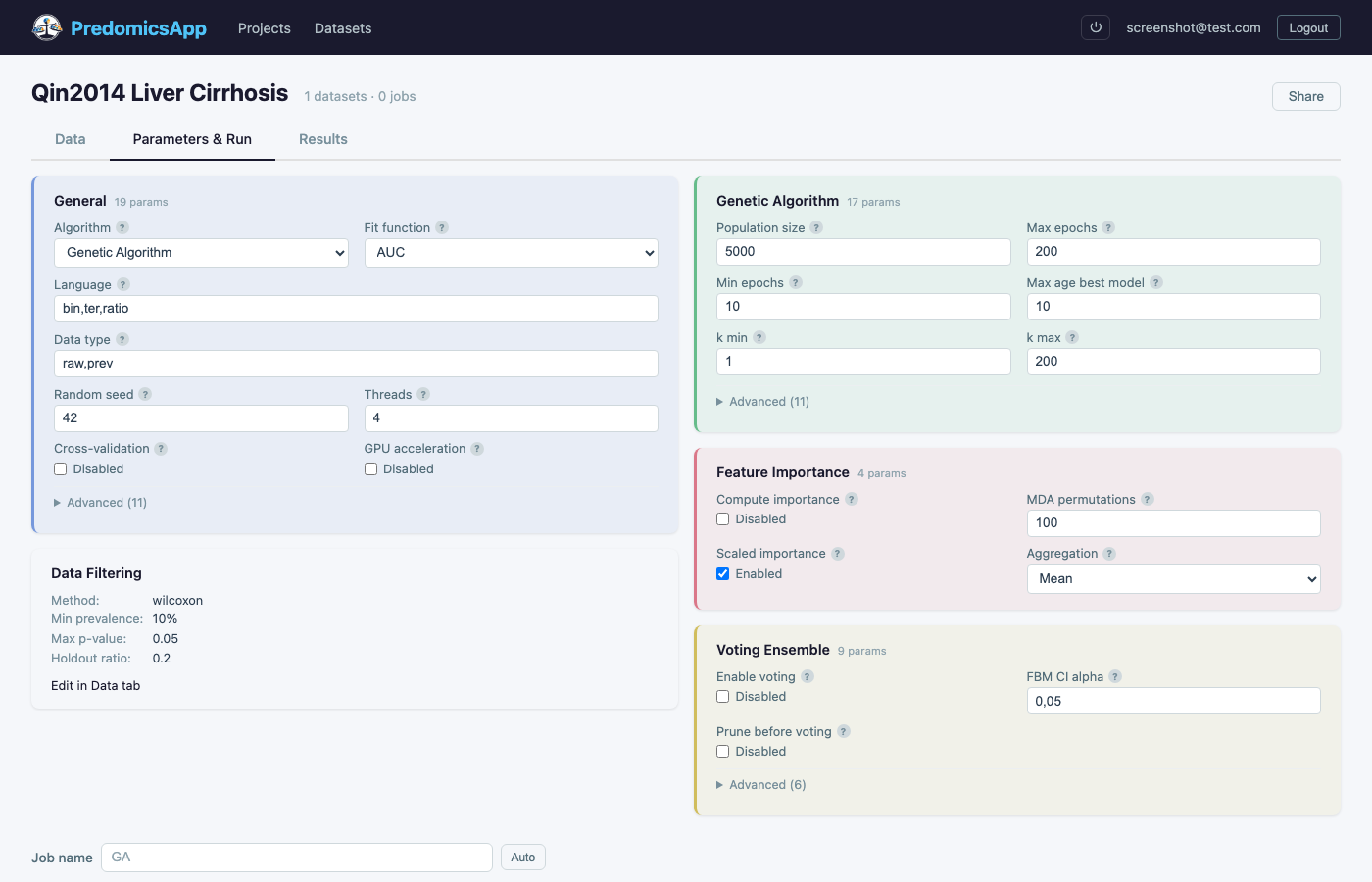
Configure analysis parameters including algorithm selection (GA, Beam, MCMC), model languages, population size, cross-validation settings, and feature importance computation. Use templates or batch mode to sweep across parameter combinations.
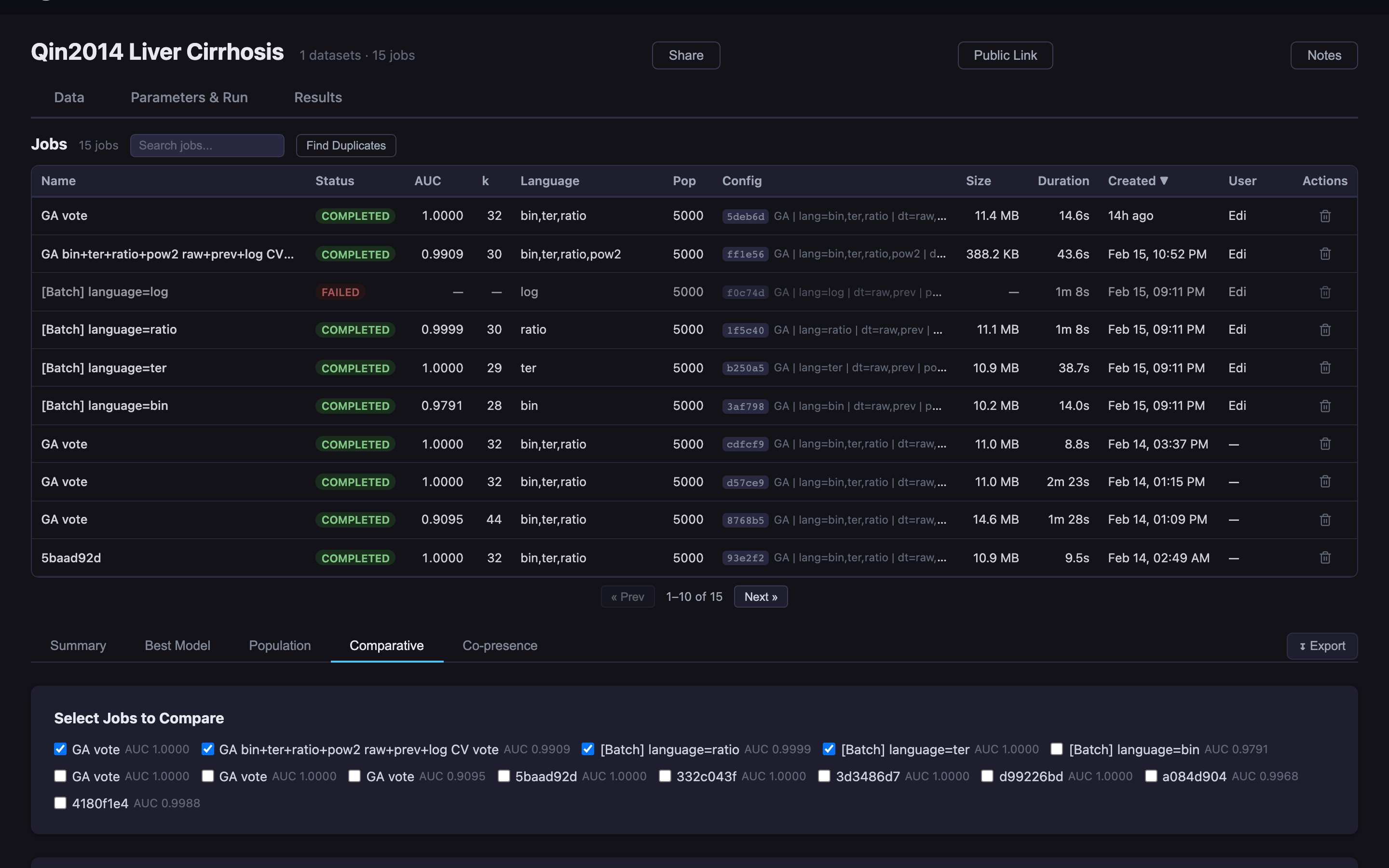
Results & Jobs
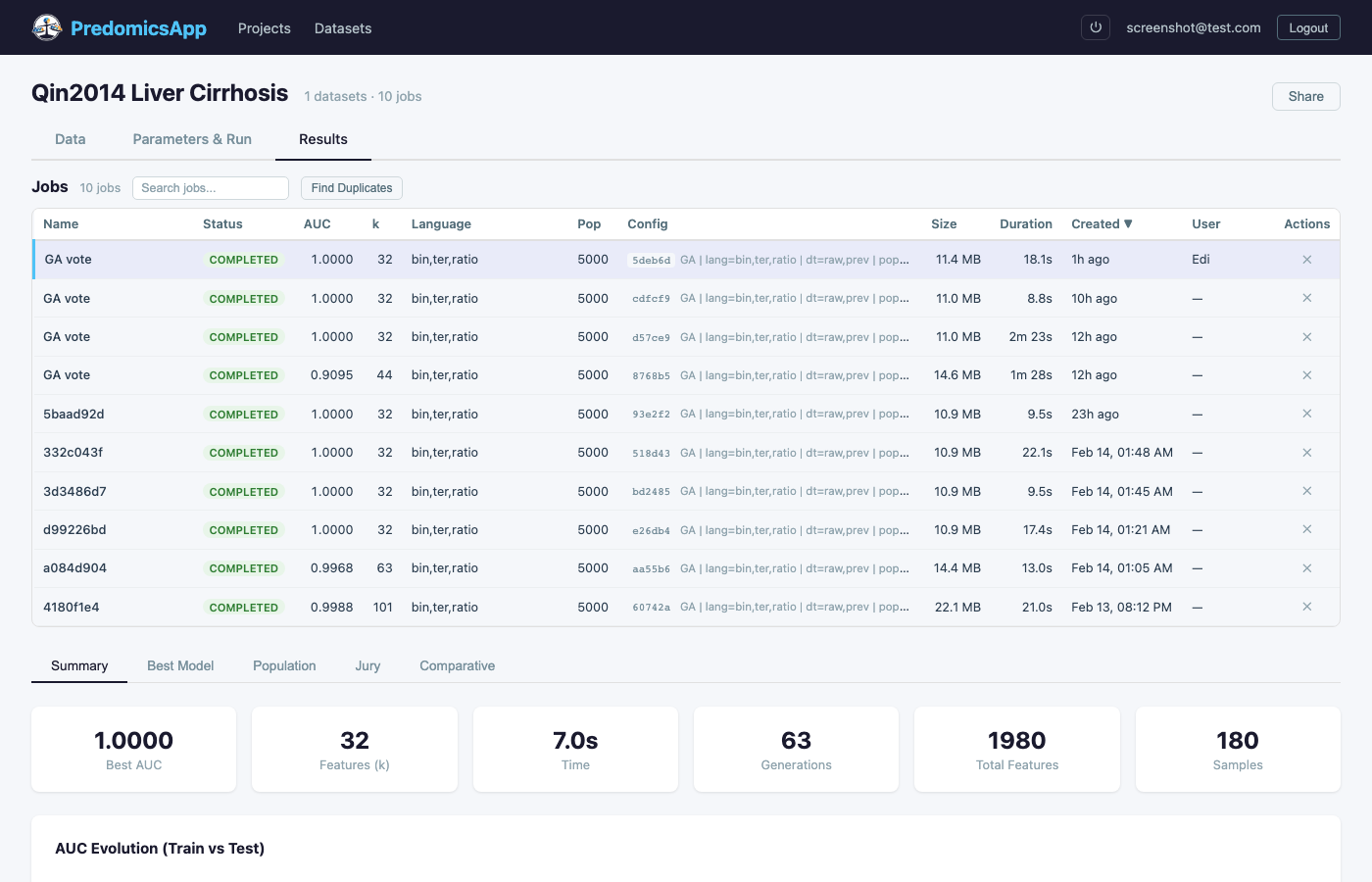
View all analysis jobs with sortable columns for AUC, k, language, duration, and status. Filter by status, search by name, find and remove duplicate runs.
Best Model
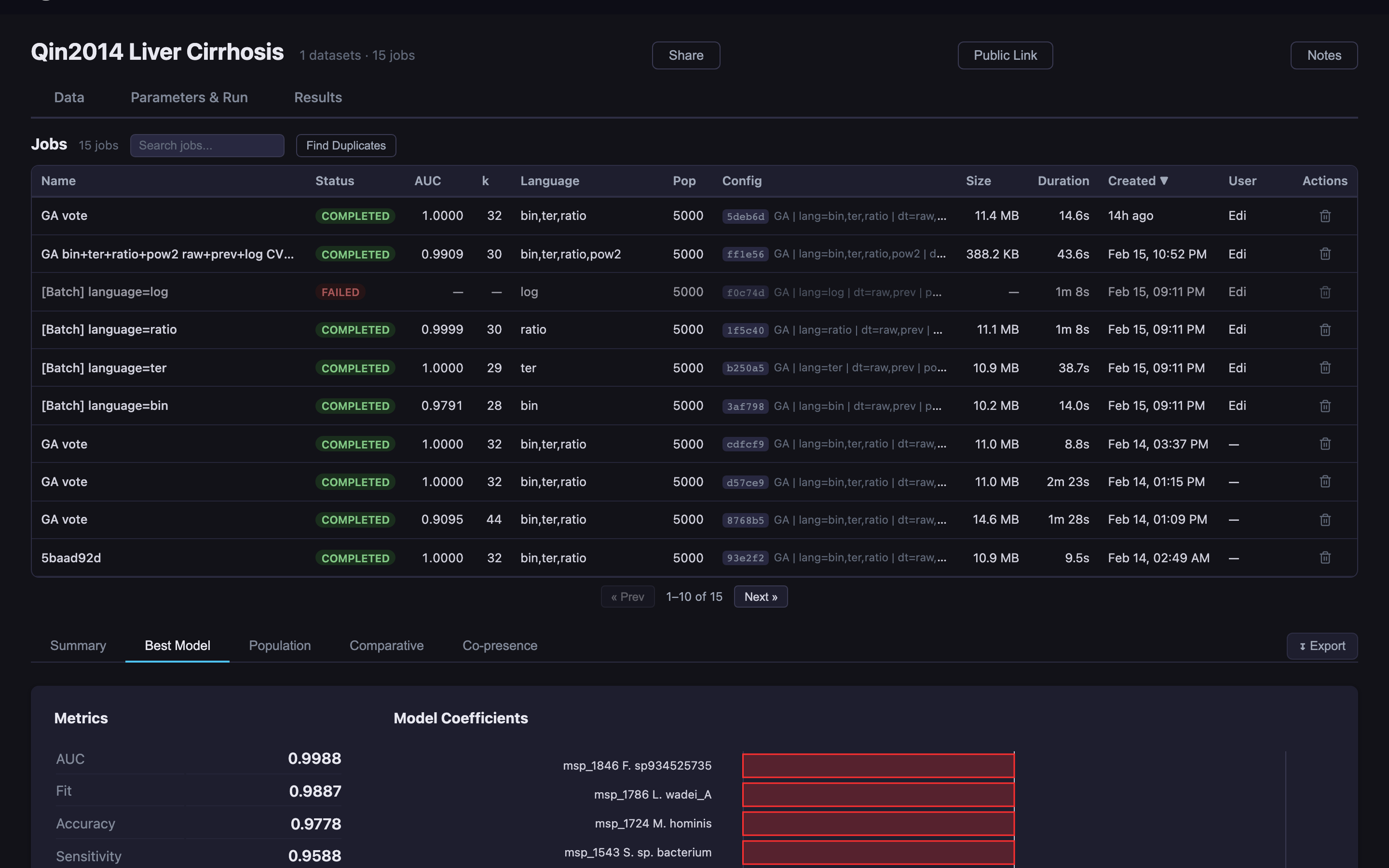
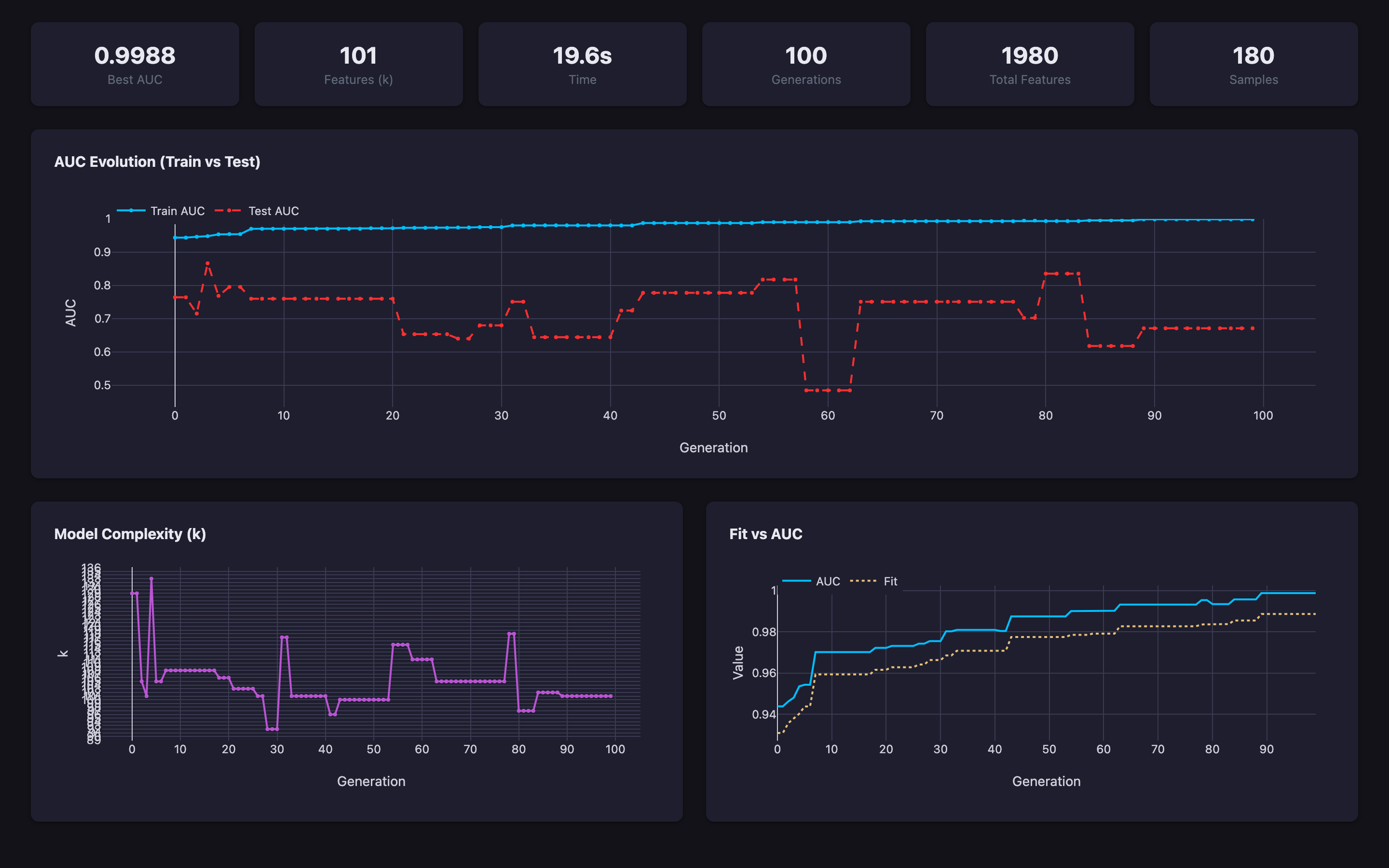
Detailed view of the best model including performance metrics (AUC, accuracy, sensitivity, specificity), model coefficients, AUC evolution over generations, model complexity tracking, and fit-vs-AUC scatterplot.
Jury Voting
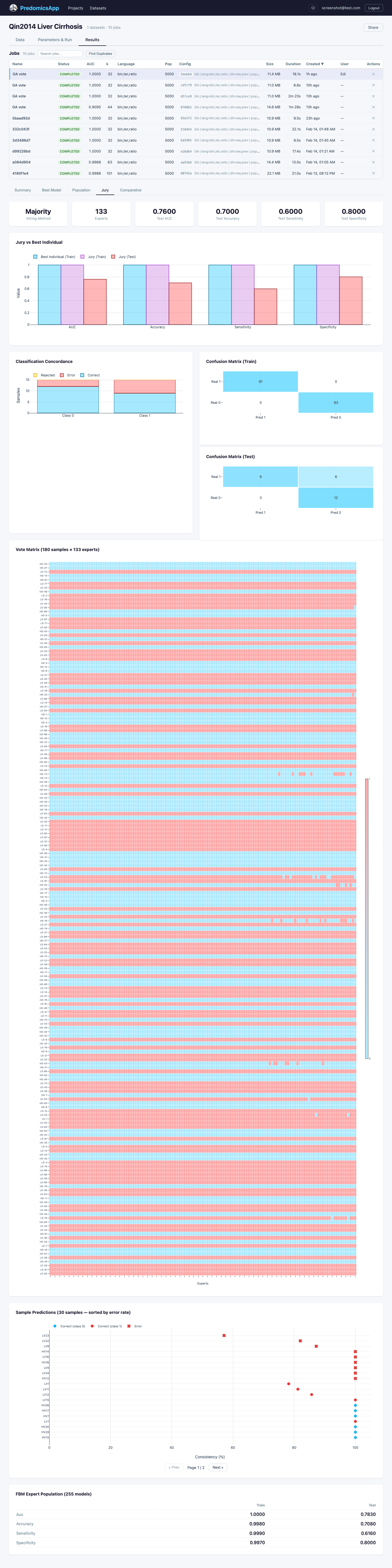
Ensemble voting with confusion matrices (train/test), classification concordance charts, vote matrix heatmaps, per-sample prediction tables with error rates, and the FBM expert population.
Population Explorer
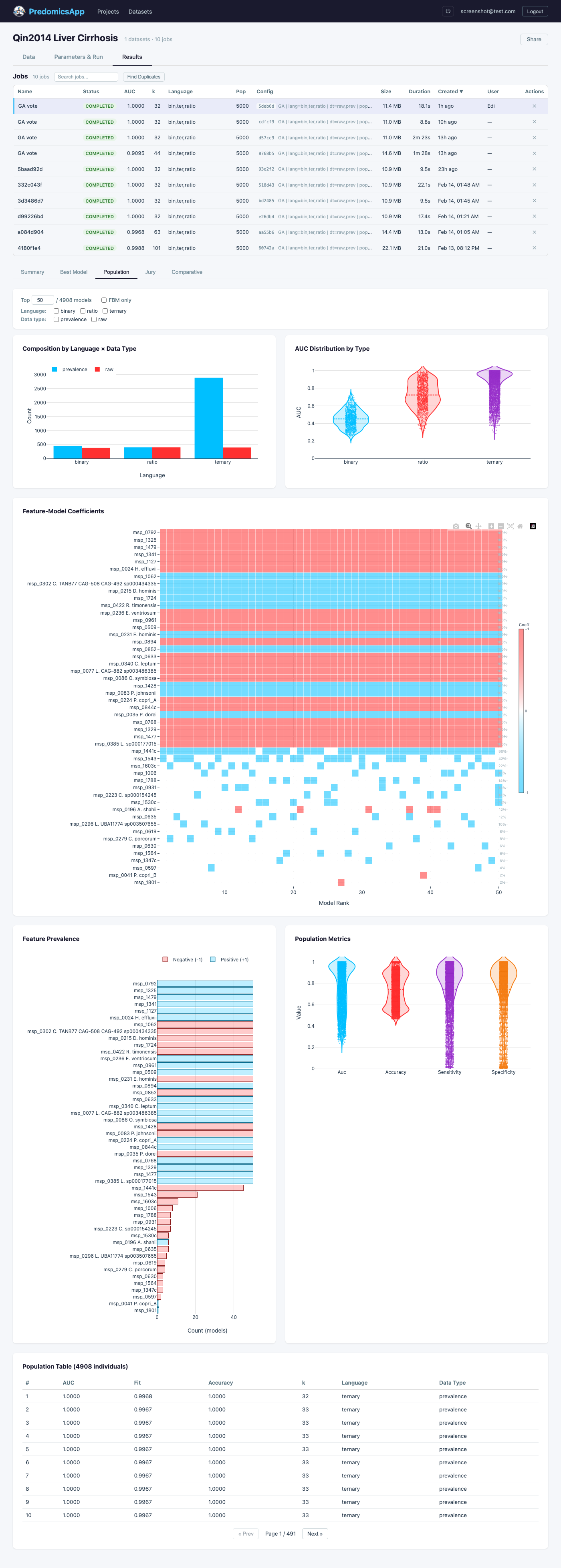
Browse the full population of models with feature-model coefficient heatmaps, AUC distribution violin plots, feature prevalence bar charts, and a sortable population table.
Co-presence Analysis
Feature co-occurrence analysis revealing which features tend to appear together or exclude each other across top-performing models.
Comparative Analysis
Compare multiple jobs side-by-side: metrics comparison, configuration differences, convergence overlay, and feature overlap analysis with Venn-style breakdowns.